








Add this page to your favorites
The "Favorites" function is a function that temporarily saves pages you care about or pages you frequently check, so that you can easily refer to them later.
-
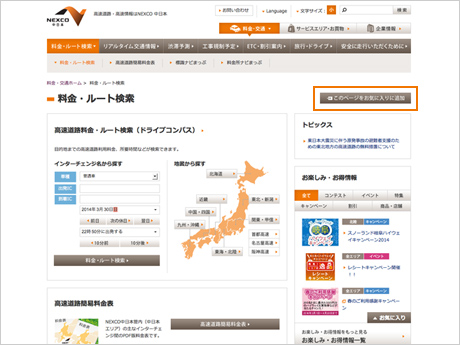
- Click the "Add this page to Favorites" button at the top right of the page
- Click the "Add this page to Favorites" button at the top right of the page
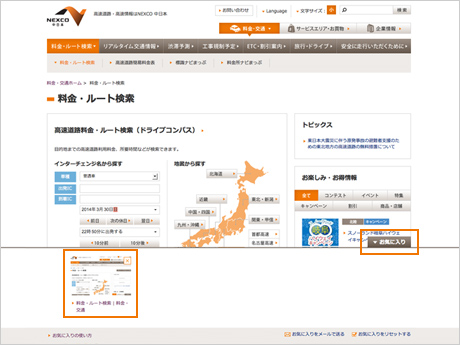
- Click the "Favorites" button at the bottom right of the page

- The added page is displayed. Click to go to the corresponding page.
- Click the "Favorites" button at the bottom right of the page


 Contact Us


 Aeon NEXCO CENTRAL Card
 Important Notice
 Important Notice
 close
close

 Reset favorites